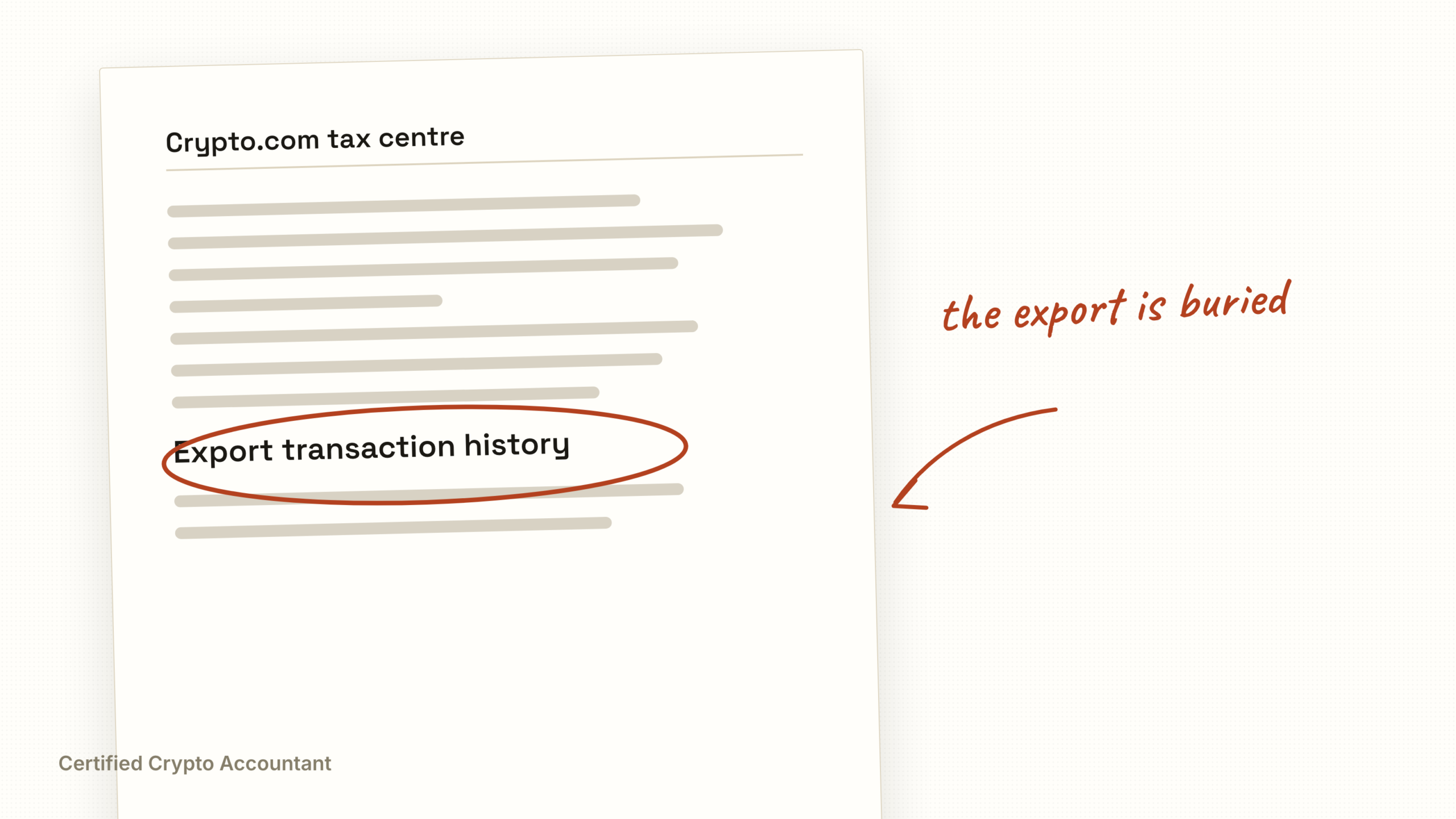
Where to find your Crypto.com tax forms

Published 13 May 2026· Reviewed against gov.uk 25 August 2026· 5 min read·US crypto tax
Crypto.com splits its tax reporting across three different products and two different apps. If you cannot find your tax forms, it is almost always because they are sitting in the section you have not opened yet. This guide walks you through exactly where to find Crypto.com tax forms in 2026, whether you are filing in the UK or US.
What Tax Forms Crypto.com Actually Issues
Crypto.com issues different documents depending on your residency and activity level.
US users receive a Form 1099-MISC for staking, rewards, and Earn product income over $600 in a calendar year. From the 2025 tax year, US users also receive a Form 1099-DA for gross proceeds on disposals (the first forms were issued in early 2026) (the new IRS standard digital asset broker form, mandated by the Infrastructure Investment and Jobs Act). An annual transaction history CSV covering all trades, deposits and withdrawals is available to every US user.
UK users receive no statutory tax form. Crypto.com is not a UK broker for HMRC reporting. Instead UK users receive a Crypto.com tax statement, an annual transaction history that must be used to self-assess.
All users can export a real-time transaction history as CSV and connect an API key for direct import into Koinly, CoinTracker, or similar tools.
Where to Find Them Step by Step
There are three locations to check, in order.
Location 1 is Crypto.com Tax, the dedicated tax tool at tax.crypto.com. This is the most reliable starting point. It is free and separate from the main Crypto.com app.
1. Go to tax.crypto.com in a browser.
2. Sign in with your Crypto.com account credentials.
3. Connect your Crypto.com App and Crypto.com Exchange wallets via API or read-only link.
4. Navigate to Reports in the left sidebar.
5. Download the tax report for your jurisdiction (UK, US, Australia, Canada, India supported).
Crypto.com Tax produces a Form 8949-style report for US users and a capital gains summary for UK users. It uses FIFO by default. UK users should check the report applies HMRC’s same-day and 30-day matching rules (Share Pooling) correctly. It often does not.
Location 2 is the Crypto.com App (mobile).
1. Open the app.
2. Tap Accounts (bottom right).
3. Tap Transaction History.
4. Tap the export icon (top right).
5. Choose date range and export as CSV. The CSV emails to your registered address within minutes.
For 1099 forms (US users), tap Profile (top left), then Documents, then select Tax Forms for the year you need.
Location 3 is the Crypto.com Exchange, which is separate from the main app. If you used the Exchange product (advanced trading interface), tax data is not automatically combined with the App.
1. Go to crypto.com/exchange in a browser.
2. Sign in to the Exchange account separately.
3. Navigate to Wallet, then Transaction History.
4. Export the trade history CSV.
5. For US users, check Reports and then Tax Documents for the 1099 series.
This split is the single most common reason users say they cannot find their Crypto.com tax forms. The App and Exchange are separate platforms with separate transaction histories.
Why the Crypto.com Report Is Not Enough on Its Own
Three issues recur in client work.
First, missing cost basis on transferred-in coins. If you sent BTC to Crypto.com from another wallet, the platform records the deposit date but not the original acquisition cost. The report shows zero cost basis on disposal, inflating your gain.
Second, DeFi and Earn product transactions misclassified. Crypto.com’s CRO Card cashback, Earn interest, and Soft Staking are all separate income categories. The default export lumps them into “rewards”, which under HMRC’s miscellaneous income rules may be misallocated.
Third, the 1099-DA does not show cost basis for assets transferred in. This is a feature of the form itself, not a Crypto.com error, but it means your 1099-DA gross proceeds figure does not equal your taxable gain.
What to Do Next
Download all three sources (Crypto.com Tax report, App CSV, Exchange CSV). Reconcile them against your other wallets and exchanges. Confirm cost basis is populated on every disposal. Check that Earn and Soft Staking income appears in the income section, not just the transactions list.
If the numbers do not match or cost basis is missing, your reported gain or loss is wrong. Filing on that figure means either overpaying tax or underpaying and risking an HMRC nudge letter or IRS CP2000 notice.
At Certified Crypto Accountant we reconcile Crypto.com data for UK and US clients every week. Book a free 30-minute review, and we will tell you whether your Crypto.com report can be filed safely.
For the wider picture, how crypto tax works in the UK covers disposals, income and reporting in one place. For a figure, the capital gains tax calculator is free and takes a minute.
Two filers with identical trades can owe very different amounts depending on the state. Florida charges no state income tax, while New York stacks a city tax on top of a state rate reaching 10.9 per cent. The federal rules are common to both and are covered in our US crypto tax guide.
Crypto.com tax form questions
Does crypto.com send my information to HMRC?
UK platform reporting rules and the Cryptoasset Reporting Framework both push exchange data toward HMRC, and HMRC has requested data directly from exchanges for years. Assume they see it.
The export shows a gain I do not recognise. Why?
Usually missing acquisition data. Anything bought elsewhere and transferred in often arrives with no cost recorded, which taxes the entire sale proceeds as gain rather than just the growth.
Are transfers to my own wallet taxed?
No. Moving crypto between wallets you control is not a disposal. Exports frequently record it as one anyway, which invents a disposal that never happened.
Can I file straight from the crypto.com tax report?
Only if you have checked it. It reflects what that one platform can see, which is not your whole position if you have ever used another exchange or wallet.
Sources
Every figure on this page was checked against the source below on 25 August 2026.
- Form 1099-K. Internal Revenue Service, checked 25 August 2026
- Form 1099-DA. Internal Revenue Service, checked 25 August 2026
Fahad Zar
Crypto tax accountant
- MSc Accounting and Finance, BPP University London
- 6+ years working in crypto and digital assets, across several specialist crypto tax firms
- Practises through Zar Enterprises Ltd, ICO registration ZC225094
What matters to me is that the number on the return is true, whatever it turns out to be.
Whether this is worth a conversation
Most people who read this page do not need an accountant. A few do.
- You file in both the UK and the US
- Your 1099 forms do not match your records
- A move across the Atlantic split your tax year
If you are US only with one exchange and clean 1099s, a domestic preparer covers it.
If one of these is you, the first look costs nothing.
Read next
Form 1099-DA Explained for UK Residents Using US Exchanges
Form 1099-DA is a US tax form, but UK residents on Coinbase or Kraken can receive one. What it means, why it does not…
Reviewed 25 Aug 2026DeadlineCrypto tax deadlines for the 2026 to 2027 tax year
Key UK crypto tax dates for 2025/26: Self Assessment registration, the 31 January filing and payment deadline, and what…
Reviewed 25 Aug 2026